Read the margins
Each number describes a connected run of filled squares. Leave a gap between runs.
The quiet side of play
A little paper atelier for nonograms. Read the clues, find the shapes, and turn a blank grid into a finished print.
Explore Pixel CanvasGet help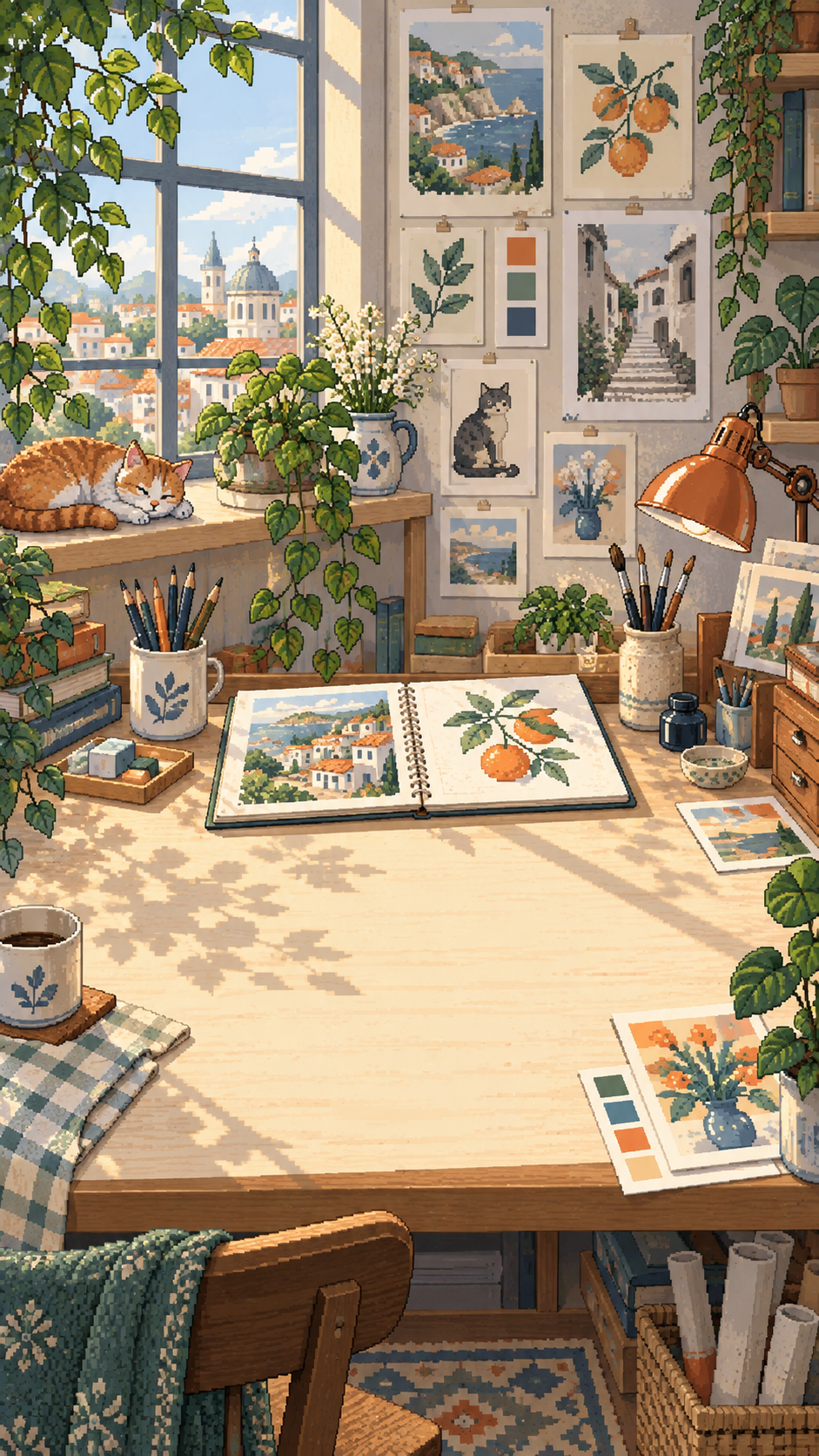
Pixel Canvas
Each number describes a connected run of filled squares. Leave a gap between runs.
Fill, cross, or erase. Use Undo when your idea changes and a logical hint when you need a nudge.
Finish a picture, add it to your collection, and return to an unfinished sketch whenever you like.
A little help
No account is required. Progress and settings are saved on your device.
Read the app privacy policy →Yes. The game content is included in the app and gameplay works offline.
Progress and preferences are stored locally. Device backup or transfer features may preserve app data according to your operating system settings. The developer does not provide a cloud-save account.
Open the in-game settings and choose English, Ukrainian, or Russian. The app remembers your choice.
Use the reset-progress option in the game's settings. You can also clear the app's storage in Android settings. Resetting is permanent, so check the confirmation carefully.
Write to COREVETTA LIMITED at the address below, marked “Pixel Canvas support”. Include your device model, Android version, app version, and the steps that caused the problem. Do not include passwords or payment information.
The publisher
D-U-N-S 234563772
For support or a privacy enquiry, please name Pixel Canvas in your correspondence.